
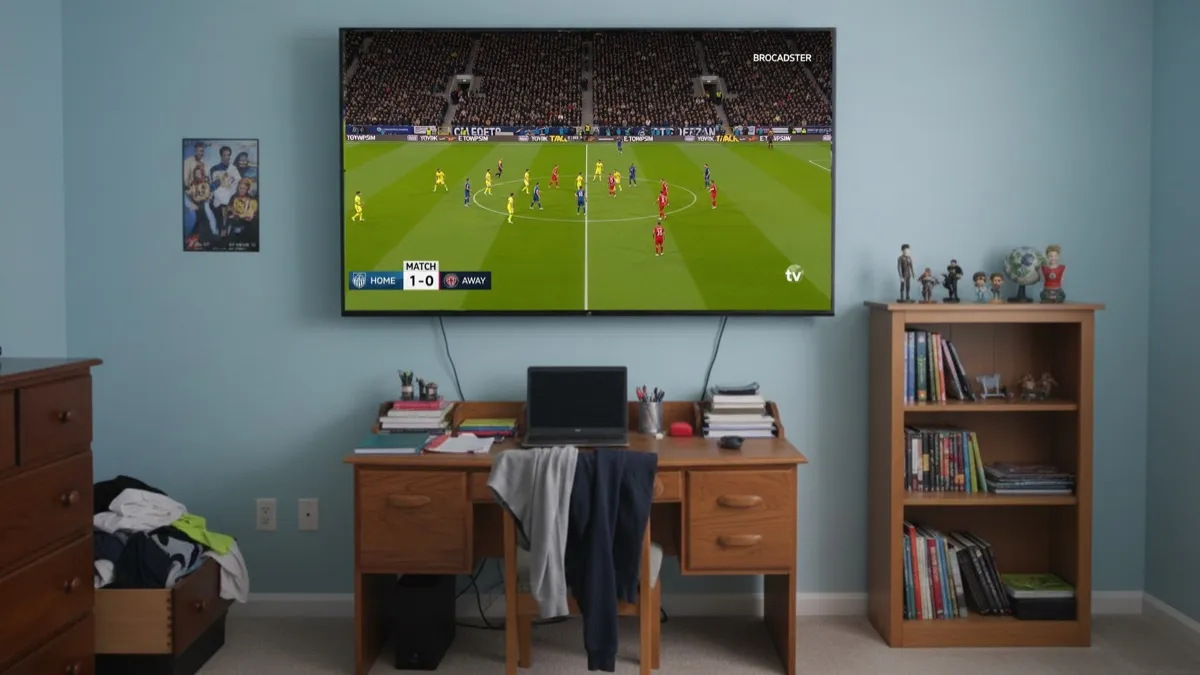
So much to watch, just one TV.
Watch multiple streams at once on your Apple TV or iPad.

One screen. No compromises.
Watch multiple streams at once.
No pro AV equipment required.
No cable clutter.
Partner approval rating: 100%.
Use cases
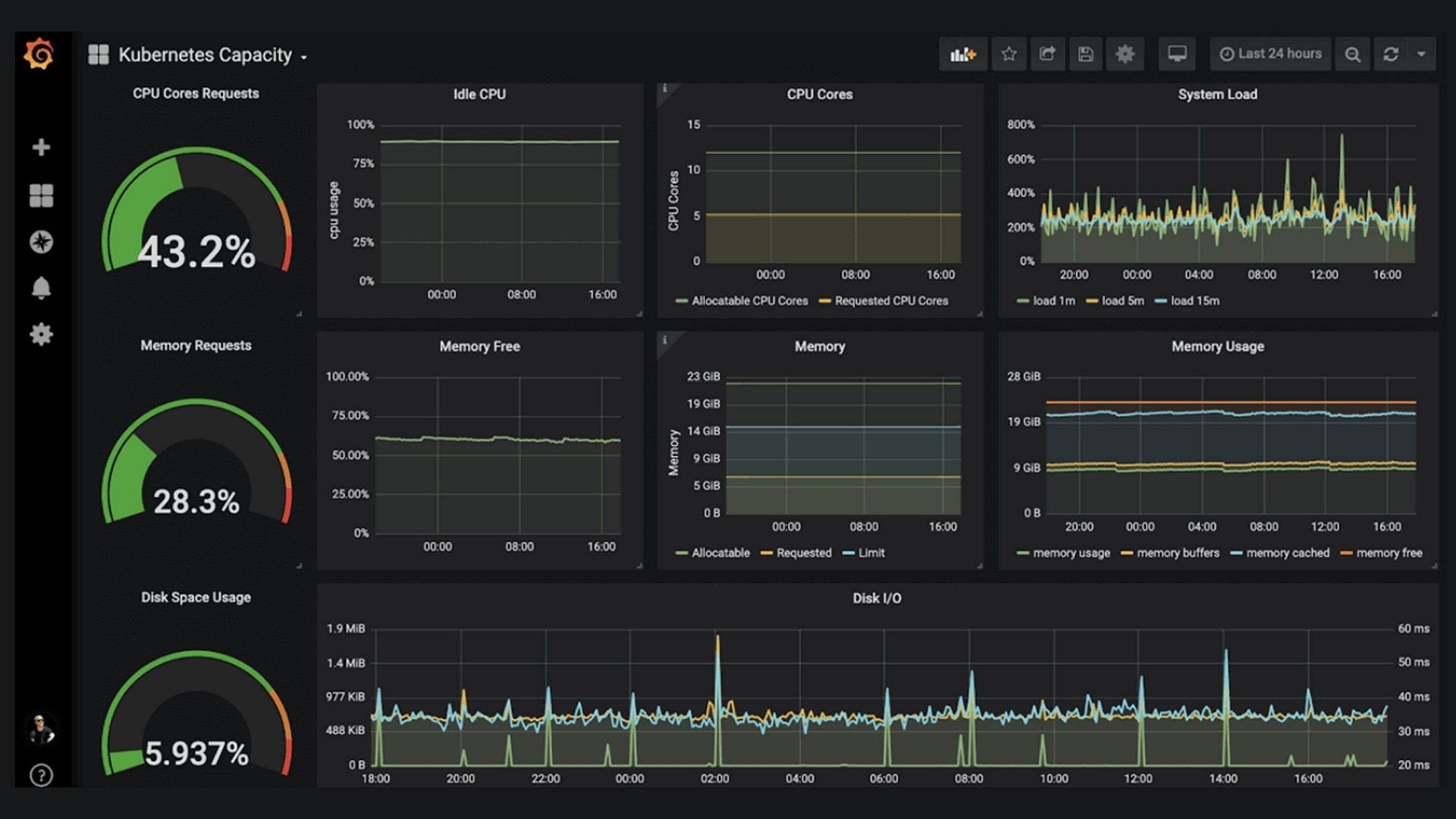


Features
Poor Man's Video Wall for your smart TV.
Multi-screen video walls without enterprise pricing or hardware.
Built for Homes, Not Budgets
Get multi-screen video distribution without spending thousands on enterprise AV systems.
True Video Tiling
Watch HDMI devices and software streams side by side on a single screen.
No Pro AV Hardware
Uses devices you already own — your PC as the source and a smart TV as the receiver.
Audio Streaming
Hear multiple streams at once — adjust volume, mute, or focus on any source instantly.
Real-Time Streaming
Watch content with ultra-low delay, optimized for real-time viewing.
Built for Efficiency
Handles multiple video sources smoothly without overloading system resources.
Quality Controls
Simple, intuitive controls to adjust quality per tile — no technical expertise required.
How It Works
Download PMVW
Install the sender app on your Mac or Windows PC. It captures, encodes, and sends video to your TV.
Install the Receiver
Install the free PMVW receiver app on your Apple TV or iPad.
Register & Stream
Register at tile.pmvw.app, enter the pairing code shown on your TV, select your sources, and start watching.
tile.pmvw.appWhat People Are Saying
"PMVW transformed how I watch sports. Having 4 premier league games on my TV simultaneously is a game-changer for me and my buddies."
"As a businessman, I need to monitor multiple news sources at once. PMVW lets me view all the important channels and security cams around my facility at the same time, on a single screen. Provides an incredible value."
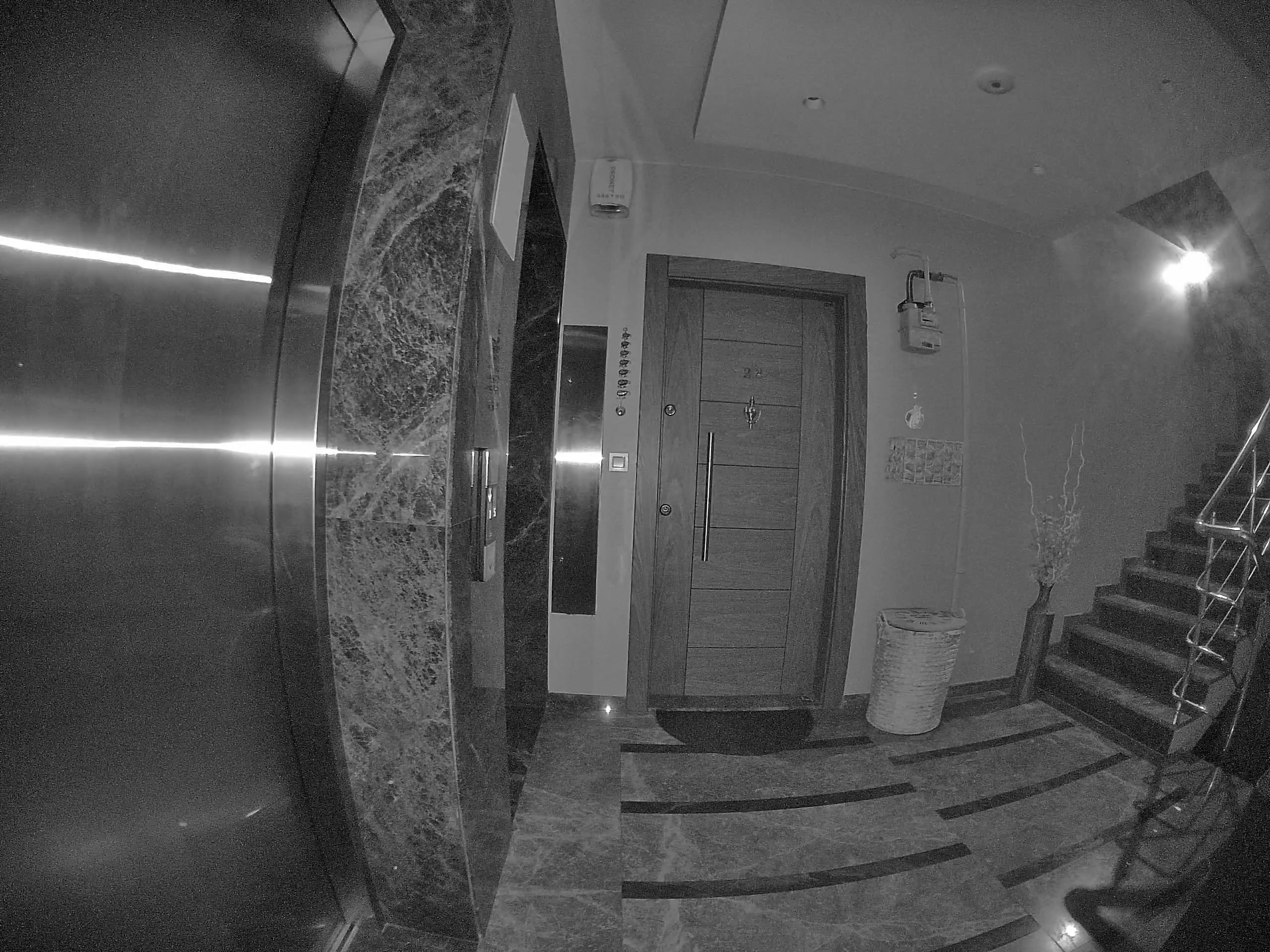
"I use PMVW for monitoring security cameras across my properties. 4 locations, on a single screen. Useful product overall."
"Watching 2 NBA games, a Twitch stream and my front doorbell camera at the same time was the thing I never knew I needed."
"This setup normally costs thousands of dollars. What I can achieve — 95% of that — with the stuff I already own for a fraction of the cost is quite satisfying."
Simple Pricing
Affordable plans. Cancel anytime.
7-Day Trial
Sign up to unlock a full 7-day free trial. All features unlocked.
Full access for 7 daysPaid Plans
Monthly or yearly subscriptions available.
Questions?
A Mac or Windows PC with the PMVW sender app and an Apple TV (tvOS 17+) or iPad (iPadOS 17.6+) with the free receiver app. Both need to be on the same local network.
Yes! You get 7 days free when you sign up. Start your trial, cancel anytime during 1 week. No strings attached.
No. The receiver app is login-free. Just enter the pairing code shown on your TV and start streaming immediately.
Adjustable per-tile latency — as low as a few milliseconds on a wired LAN, 250 ms by default. Tuned for live sports, trading, and real-time monitoring.
Absolutely. Cancel anytime from your subscription portal. Your access continues until the end of the billing period.
Get Started
Sender App
Streams from your computer to your TV
Receiver App
Displays streams on your TV or device